        __                __      __                     ______
  ___  / /_  ____  ____  / /__   / /_____     ____  ____/ / __/
 / _ \/ __ \/ __ \/ __ \/ //_/  / __/ __ \   / __ \/ __  / /_
/  __/ /_/ / /_/ / /_/ / ,<    / /_/ /_/ /  / /_/ / /_/ / __/
\___/_.___/\____/\____/_/|_|   \__/\____/  / .___/\__,_/_/
                                          /_/
Ebooks, laid out as PDFs.
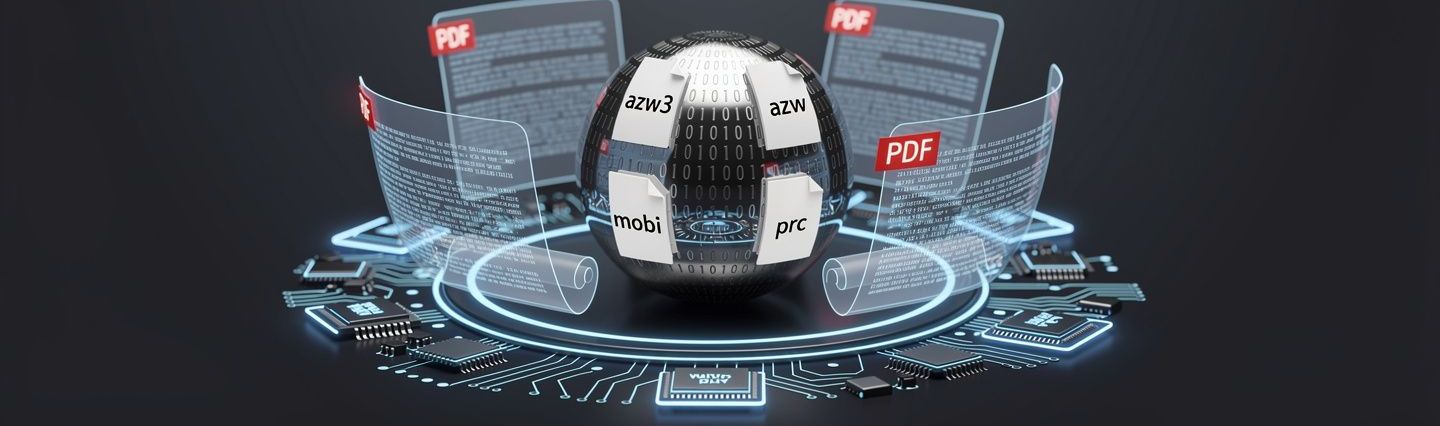
One Go binary reads .epub, .azw3, .azw, .mobi, .prc,
.cbz, .fb2, .fb2.zip, .txt, .html, .htm and .xhtml and lays them out as real PDFs: selectable text, outline bookmarks from the
book's own headings, the cover, the illustrations, the typography its stylesheet asked for.
No Calibre. No Python. No Ghostscript. Nothing else to install.
go install github.com/jparkerweb/ebook-to-pdf/cmd/ebook-to-pdf@latest
6 input formats 8 layout presets 12 page sizes 0 runtime dependencies MIT licensed
Everything is in the binary
A converter, not a wrapper around one.
Most ebook-to-PDF tools shell out to Calibre and hope it is installed. This one carries the whole pipeline: a reader for every format (EPUB, the MOBI/KF8 parser and both its decompressors, comics, FictionBook, text and HTML), the markup and CSS layout engine and the PDF writer. Five stages, one file, nothing to set up before the first conversion.
A file browser in the terminal
Run it with no arguments and pick a book. Multi-select with space, convert the
batch with b, type a path with tab, switch drives with d.
Batch conversion
Point it at a folder, add --recursive, and run several conversions at once with
--jobs 4. Existing files can be overwritten, renamed or skipped.
Presets first, knobs after
Eight named starting points, from ereader to manuscript, plus a
suggestion based on how long and how illustrated the book is. Every setting can be overridden.
The book's own typography
Kindle books style their headings with CSS classes, not heading tags. The stylesheet is read, so chapter titles look like chapter titles and hanging indents survive the trip.
PDFs, not pictures of pages
Selectable, searchable text. An outline built from the headings, page numbers, an optional running header, the cover art, a generated title page and document metadata.
Fonts that cannot fail
A system serif, sans or mono face where one exists, or your own .ttf. If nothing
suitable is installed, typefaces embedded in the binary take over.
The interface
Answer four questions, get a PDF.
Pick a book, look at what is inside it, choose how the pages should read, watch it
convert. Two colour themes, switchable mid-run with ctrl+t and remembered next time.
Or skip the whole thing with --no-tui and pass flags.
How should the pages look?

  E-reader
    US Letter (8.5 x 11 in) · serif 11.0pt · 14mm margins · justified

  Paperback       suggested
    Trade paperback (6 x 9 in) · serif 11.5pt · 18mm margins · justified

> Print
    US Letter (8.5 x 11 in) · serif 11.5pt · 22mm margins · justified
    US Letter with generous margins, sized for printing and annotating.

  Compact
    US Letter (8.5 x 11 in) · serif 9.5pt · 9mm margins · justified

  Large print
    US Letter (8.5 x 11 in) · sans 16.0pt · 18mm margins · ragged right

enter use this layout    r jump to the suggestion
Convert one book from the shell
ebook-to-pdf book.epub --no-tui
A whole folder, four at a time
ebook-to-pdf ~/Books --recursive --no-tui \
  --output-dir ~/PDFs --jobs 4
Look inside a book without converting it
ebook-to-pdf probe book.epub --verbose
A preset, then your own measurements
ebook-to-pdf book.azw3 --no-tui \
  --preset paperback --page-size 120x160mm \
  --font-size 12 --line-spacing 1.5
Presets
Eight ways to read the same book.
A preset sets the page size, margins, typeface, text size, leading and justification
in one go. ebook-to-pdf presets prints the list; any part of it can be overridden on the
command line or in config.yaml.
| Key | Preset | Layout |
|---|---|---|
| ereader | E-readerthe default | Your default page size (Letter unless you save another), 11 pt serif, 14 mm margins, justified. The best all-round reading layout. |
| paperback | Paperback | Trade 6 × 9 in with book margins and a running header. Looks like a printed novel. |
| US Letter with generous margins, sized for printing and annotating. | ||
| a4 | A4 | A4 with standard margins, for everywhere that is not the US. |
| compact | Compact | Small type and thin margins. Roughly a third fewer pages. |
| large-print | Large print | 16 pt sans and open leading for comfortable reading, on your default page size. |
| phone | Phone | A narrow page that fills a phone screen without pinch-zooming. |
| manuscript | Manuscript | Double-spaced Letter pages for editing and mark-up. |
What it understands
The awkward parts, handled.
An EPUB is a zip of XHTML chapters whose stylesheets name headings in ways no simple parser expects. A Kindle file is a Palm database from the 1990s wrapped around HTML, compressed with a Huffman scheme that has to be decoded in 64-bit arithmetic or it yields plausible-looking nonsense. All of that is dealt with before the layout engine sees a word.
| EPUB | EPUB 2 and 3, reflowable and fixed-layout: .epub, with the table of contents as bookmarks |
| Kindle | KF8 (MOBI 8) and MOBI 6 in a Palm database: .azw3, .azw, .mobi, .prc, with PalmDOC and HUFF/CDIC compression |
| Comics | .cbz: one full page per image, in natural order |
| FictionBook | .fb2 and .fb2.zip, in any declared encoding |
| Text and HTML | .txt with chapter headings found for you, and single .html pages with their local images |
| Images | JPEG, PNG, GIF, BMP and WebP, plus the cover art |
| Styling | The book's own stylesheet: alignment, relative font sizes, margins, hanging indents and page breaks |
| Platforms | Windows, macOS and Linux, on amd64 and arm64 |
DRM is not removed
A locked EPUB or Kindle book is refused, plainly, rather than turned into a PDF of noise. Buy or download DRM-free copies of the books you want to convert.
.kfx is not supported
The newest Kindle format is a different container altogether, and this reads the Palm database
family. If your file is .kfx, this is not the tool for it.
Point it at a book.
Go 1.25, or a prebuilt binary for your platform. Nothing else.
go install github.com/jparkerweb/ebook-to-pdf/cmd/ebook-to-pdf@latest